
Let’s be honest. Almost everyone has wanted to look at an Instagram profile or story secretly at some point. Maybe you run a business and want to check what your competitors are doing. Maybe you are a marketer researching new trends, or maybe you just want to see what an old friend is up to without making things awkward.
For a long time, people thought the easiest way to do this was by making a “burner” or fake account. You just open a new profile, put a random picture, use a fake name, and start browsing. It sounds perfect on paper, right?
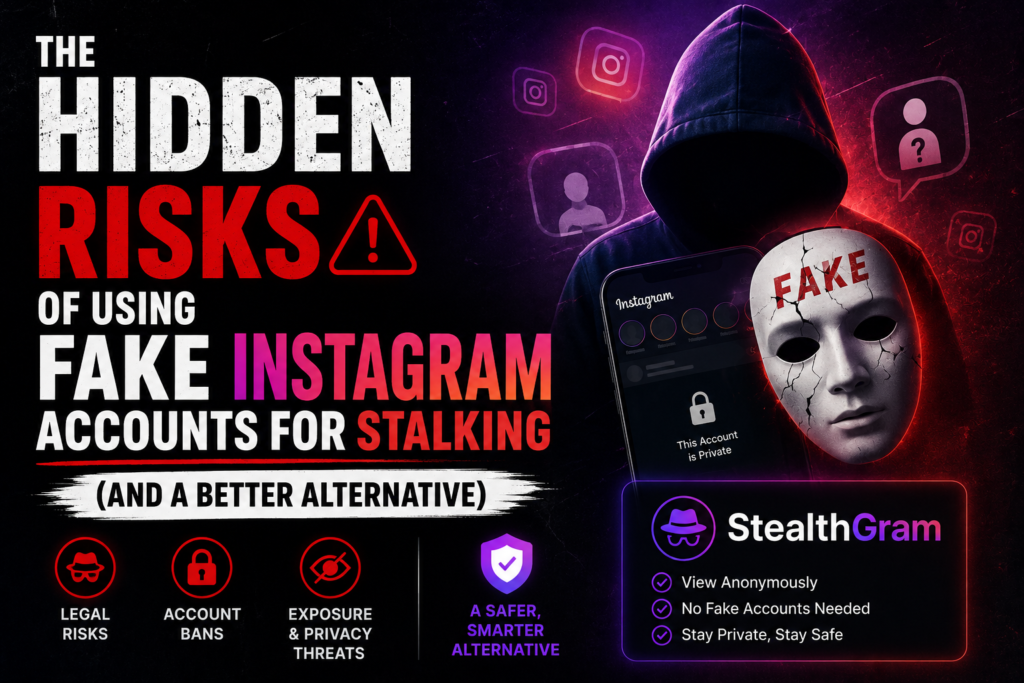
But things have changed completely now. Using fake profiles is no longer a smart or safe shortcut. It has become frustrating, risky, and can actually expose your real identity. Thankfully, simple web tools like StealthGram have changed the game, giving users a way cleaner and safer option. Let’s break down the real risks of using fake accounts and why moving to a tool like StealthGram makes so much more sense today.
Why Fake Accounts Don’t Work Anymore
A few years ago, you could create an Instagram account in seconds using a random email. Today, Instagram’s security systems are incredibly strict. Meta uses advanced automation to find and delete fake profiles almost instantly.
The moment you create a new account, Instagram starts tracking how you use it. If a brand-new profile doesn’t post photos, has zero followers, and immediately starts searching for specific public figures or looking at random stories, Instagram flags it.
You will constantly face phone verification blocks, temporary suspensions, or permanent bans. Instead of a quick, smooth browsing session, you end up wasting half an hour trying to bypass security checks. It is a tiring cycle that rarely works for long.
The Biggest Trap: Accidentally Exposing Your Real Identity
The most dangerous part about a fake profile is that it can easily backfire and show people who you actually are. Instagram tracks your device, your IP address, and your phone’s storage data to link your accounts together behind the scenes.
Here are a few ways a fake account can ruin your privacy:
- The “Suggested for You” Feature: Instagram loves connecting people. Since the app knows your fake profile and real profile run on the same phone, it might recommend your fake account to your actual friends or the very people you are trying to view secretly.
- Wrong Account Slips: When you are quickly switching between profiles on your phone, it takes just one accidental double-tap or wrong click to watch a story or leave a comment from your real personal account instead of the fake one.
- Contact Syncing Mistakes: While setting up a new profile, if you accidentally tap “Allow Contacts,” Instagram will immediately notify people in your phone book that you have started a new account under that fake alias.
To avoid these scary situations, you need a method that does not connect to your phone or your account ecosystem at all. That is where StealthGram becomes a much smarter choice, because it keeps your personal data completely out of the picture.
Your Main Account Could Get Blocked Too
When you keep creating fake profiles that get flagged, Instagram doesn’t just stop at deleting those new accounts. They can punish your main, official profile too.
This is called device-level tracking or shadowbanning. If Instagram notices that a single phone is generating multiple suspicious accounts, they might restrict your real personal or business profile. You might suddenly notice your posts are getting less engagement, you can’t leave comments, or the app keeps giving you “Action Blocked” errors. In worst-case scenarios, your home Wi-Fi network’s IP address can get blacklisted, creating annoying login issues for everyone in your house.
Buying Accounts Brings Serious Security Risks
Because creating a fake profile manually is so hard now, some people choose to buy old, pre-made accounts from random online sellers. Others use automated software to generate accounts.
This is a massive risk for your cybersecurity. These cheap account sellers and generator apps often hide malware, spyware, or tracking scripts inside their systems. When you interact with them, you risk leaking your local passwords, personal data, or browser details. Plus, using these methods goes directly against official rules, which can bring serious technical trouble to your network.
StealthGram: The Simple and Safe Way Out
If you are tired of dealing with verification codes, sudden bans, and the constant fear of getting caught, you need to change your approach. You don’t need to build an entirely new profile just to view public data. You just need a tool that lets you look at it cleanly. This is exactly why StealthGram is so popular right now.
StealthGram is a simple web-based tool that lets you search and view public Instagram profiles, watch active stories, and download clear media without logging in, signing up, or creating an account. It acts like a protective shield, grabbing the public data for you and showing it on your screen while keeping your identity completely hidden.
Why StealthGram Beats Fake Accounts Every Single Time
Let’s do a quick, honest comparison to see why people are leaving burner profiles behind and switching to this smart web tool:
| The Problem/Feature | Fake Instagram Profiles | StealthGram Web Tool |
| Time to Setup | 10 to 15 minutes of frustration | Zero seconds (Instant) |
| Risk of Getting Ban | Very high risk | 0% risk (No account needed) |
| Accidental Identity Leaks | High risk due to app suggestions | Completely impossible |
| Malware & Virus Risks | High risk if you buy old accounts | 100% safe inside your browser |
| Downloading Media | Needs broken extensions or extra apps | Simple, one-click HD downloads |
You Leave Zero Digital History
When you look at a story using a fake profile, the owner can still see your username on their viewer list. If your fake name looks suspicious, they will know someone is watching them. But when you use StealthGram, your name or profile never lands on their list. Your IP address and browser data are safely locked behind the tool’s servers.
No Need to Install Any Apps
You don’t need to keep a heavy social media app running in the background, tracking your phone’s analytics. StealthGram is purely a website. You don’t have to download any weird files or install tricky browser plugins. It works smoothly on any standard mobile phone or desktop browser.
Great for Business and Marketing Research
For people running brands or managing marketing campaigns, speed matters. Opening and closing different app profiles, dealing with security codes, and facing sudden bans slows down your work. StealthGram makes your research clean and fast. You just paste the public username, analyze their strategy, download whatever images or videos you need for reference, and close the page.
How to Switch to a Safer Routine
Ready to drop the headache of burner accounts and protect your privacy? The switch is incredibly easy:
- Log Out of Fake Profiles: Stop opening or buying unverified secondary accounts on your devices to keep your main profile safe.
- Open the Tool: Just open your favorite web browser and go straight to the official StealthGram website.
- Search Directly: Type or paste the public username of the account you want to look at into the secure search bar.
- Save Content Fast: Use the built-in downloader to save high-quality photos, reels, or stories directly to your device without using extra apps.
Final Thoughts: Move to Smarter Browsing
The days of using messy, unsafe fake accounts for social media research are over. The constant threat of accidental identity leaks and aggressive profile bans by Instagram makes burner accounts completely outdated.
By upgrading your daily workflow and using a modern tool like StealthGram, you get rid of all that stress. You can easily analyze competitor moves, look up market trends, and enjoy content with total peace of mind, knowing your personal data is completely safe. Stop fighting social media blocks and let StealthGram do the heavy lifting for you.