
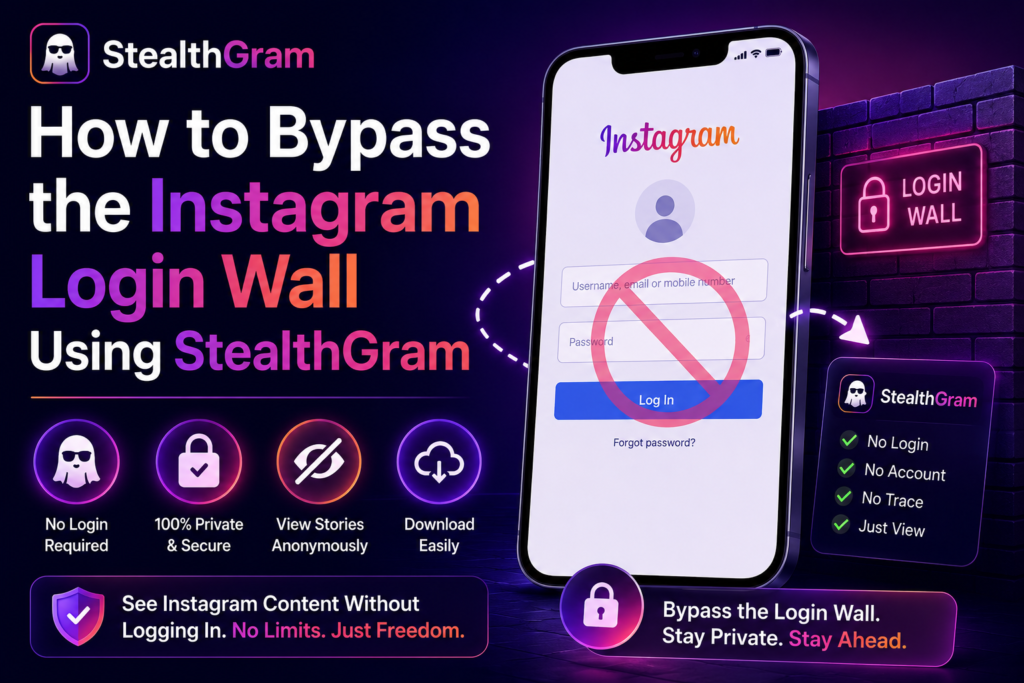

Using StealthGram is the simplest way to view social media stories and profiles when you are traveling or outside. We have all faced this annoying issue before. You click a web link from your phone browser, and suddenly a large login screen blocks your view. This social media login wall forces you to type in your private password or create a fake profile just to see a single public post. It is very frustrating when you only want a quick look without leaving a trace behind.
These mandatory boundaries are not there to help you. They exist to force everyone into a tracking loop. Platforms want you to log into an account so their background scripts can track your phone type, browsing history, and personal tastes.
Luckily, you do not have to give up your data privacy to get past these blocks. By using smart, web-based tools like this cloud proxy, you can easily open these blocked screens safely and without needing an account.
Why Do Social Media Sites Block You?
Before looking at how StealthGram fixes this problem, we should look at why these networks block anonymous users. When you log into an official account on your mobile web browser, several automatic tracking systems start running immediately:
- View Tracking: Your real profile name is saved on the creator’s view history, which ruins your privacy during market research.
- Data Matching: Background cookies map your active web sessions and link your social profile to your phone’s digital signature.
- Feed Changes: The internal algorithm monitors every single second you spend on a page, instantly changing your future Explore page.
To avoid this constant background tracking, you need an external tool that fetches public media data for you. This is why a clean web proxy is the best option.
Bypassing the Login Screen with StealthGram
The safest way to open these blocked pages is to use a simple website that acts as a secure shield between your phone and social media servers. Clean cloud setups like StealthGram allow you to load public profile grids without ever connecting your personal IP address to their main database.
The biggest benefit here is pure device security. When you use StealthGram, you never have to share your private login details, create a risky burner profile, or download random applications. The entire process runs safely on remote web servers, meaning your local mobile browser stays completely clean and untouched.
🛠️ Step-by-Step Guide:
- Open your favorite web browser on your smartphone, computer, or tablet.
- Go straight to the official main website of the StealthGram tool.
- Locate the clean, central search box right in the middle of the screen.
- Type the exact handle of the public brand or creator you want to check. (Just remember to leave out the
@symbol and check that your keyboard did not add an extra space at the end). - Click the search button to run the proxy scripts inside StealthGram.
- The backend system of StealthGram will safely fetch the media stream, remove the login wall, and show you the photos or videos clearly on your screen.
Old Browser Tricks vs. The Cloud Proxy
Some people try to use old browser tricks to escape these tracking screens, but these manual workarounds rarely work for long against new security updates.
The Inspect Element Trick
A common trick is right-clicking the login wall on a computer, opening the developer console, and deleting the HTML code blocks that freeze the screen.
The Reality: While this might clear the screen for a second, it is a broken fix. The platform will still stop you from scrolling down or playing video clips. Dedicated engines like StealthGram handle this automatically, making manual code editing completely unnecessary.
Using Standard Incognito Tabs
Many users think that opening a private tab or Incognito window will bypass these login screens automatically.
The Reality: Incognito mode only stops your history from saving on your own device. It does not hide your public IP address or stop login pop-ups from blocking your screen. Real privacy requires a server-side shield like StealthGram to change how the data request is made.
Safe Habits for Anonymous Browsing
The internet is full of random websites making big promises about private browsing, but many are just traps to steal your information. Keep your daily research safe by following this quick checklist:
- Stick to Web Tools: Use secure, cloud-based web utilities like StealthGram to view public data safely.
- Avoid Random Downloads: Never trust online portals that force you to install strange files on your phone.
- Keep Passwords Private: Never type your personal account credentials into third-party search tools.
- Use Native Saving: Save target pictures using your standard browser options rather than unverified download links.
Final Thoughts
You do not have to accept annoying tracking screens as a permanent part of using the internet. While old manual tricks like deleting code or loading slow, unverified browser tabs often leave you with broken pages, a modern cloud proxy handles everything smoothly.
By using the clean design of StealthGram, you can instantly break through corporate barriers, protect your phone from tracking scripts, and keep your daily research sessions completely private.







Pingback: StealthGram: View Instagram Content Without An Account
Pingback: Fix StealthGram Not Working Errors (5 Quick Methods)